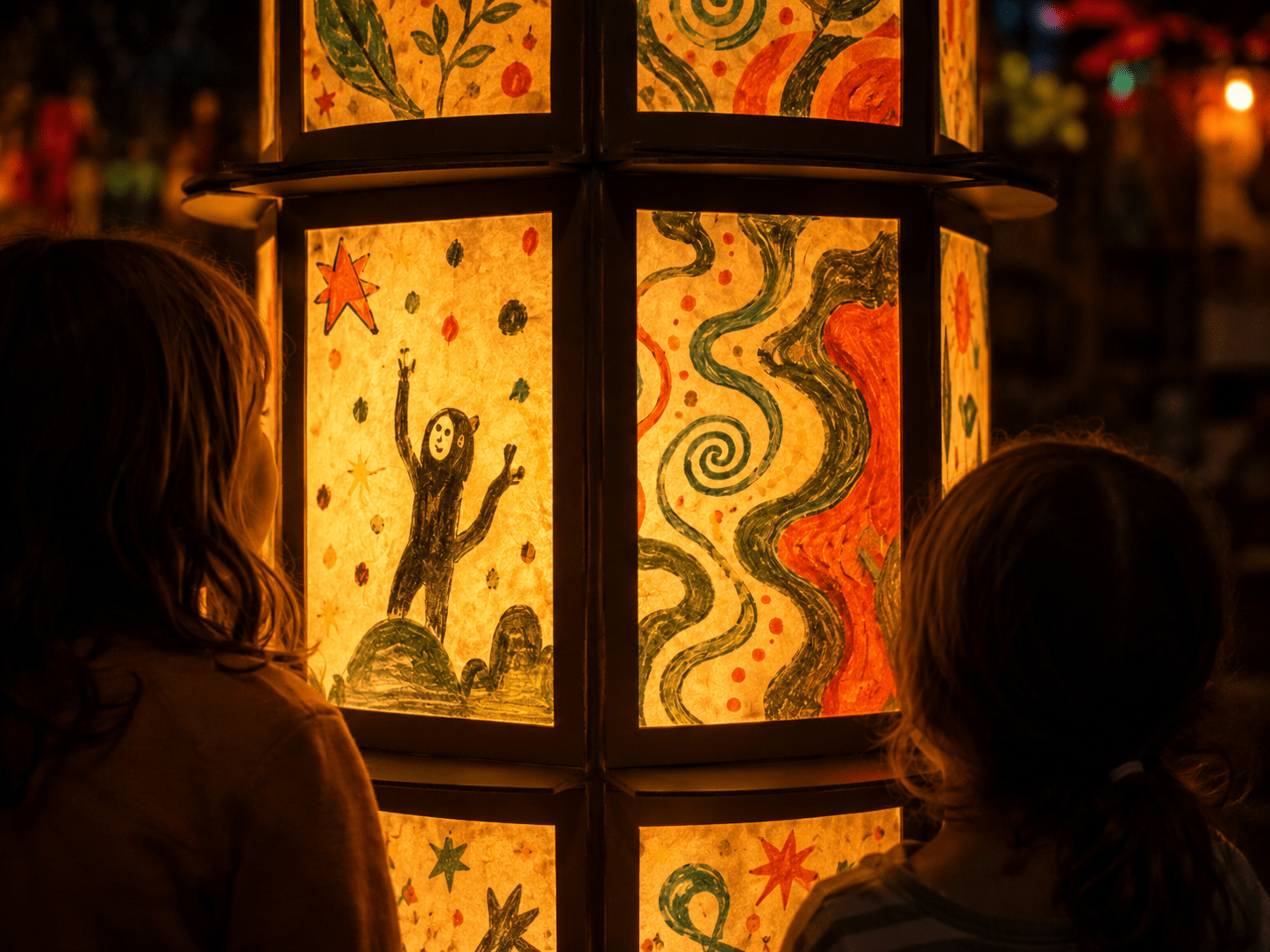
We can’t wait to see your fable! Share your drawing in the online gallery and explore all the other fables. Together, we create one big story! Submit your drawing before 12 October for a chance to have it featured during GLOW 2026. Artist Hugo Vrijdag will review all submitted drawings and select some to become part of the physical light artwork displayed in Eindhoven, Best, Oirschot, Helmond, Lieshout and Veldhoven. Come and experience the artwork 7 – 14 November 2026. You might even spot your own drawing shining as part of the installation!
P.S. Save the date: 8 November at 6:30 PM for the grand opening at St. Catherine’s Church, Eindhoven. Together with Hugo Vrijdag, we will officially open Fable Light.
Having trouble uploading? Please contact info@jijmaaktglow.nl.
How it works
- Take one photo or scan per drawing and add it by clicking “Add image”. You can upload one drawing per row.
- If you have multiple drawings, repeat this step by clicking “New drawing”, then “Add image”.
- Select a school from the list, or add one if you can’t find your school.
- Select a class.
- Upload your artwork by clicking “Upload artwork”. That’s it! Your drawings will be sent to the gallery.
- A photo or scan can be a maximum of 5 MB and 2500 pixels wide. If the image is larger, the upload may fail and you may receive an error message (504). Are you getting this error message? First resize the images using this tool and then try uploading them again.
- You don’t have to select a school or class. You can also participate as an individual.
- Are you a teacher and want to upload drawings from multiple classes? Upload each class separately and repeat the steps for the next class. You can upload a maximum of 25 drawings at a time.